
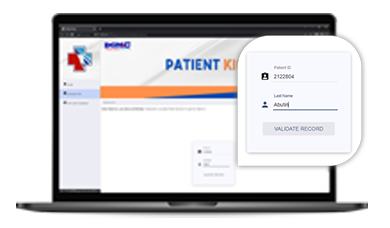
Step 01
Enter Patient ID & Last Name then click “VALIDATE RECORD” button.
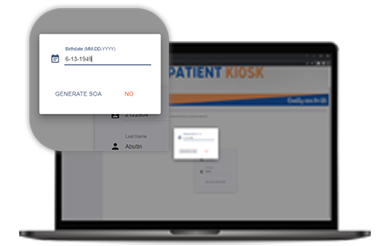
Step 02
Enter Patients’ Birthday (Ex. 01-01-1998) then click “GENERATE SOA” button.
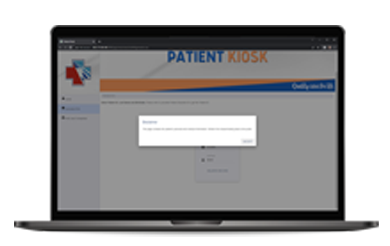
Step 03
Read the pop-up message then click “ACCEPT” button.
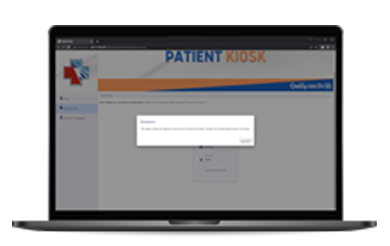
Step 04
Wait to pop-up the SOA of the Patient.